If you have two separate teams, you are able to switch in between them.
When logging into Arthur, you will see a drop-down menu on the first screen (room overview) on the top right of the screen:
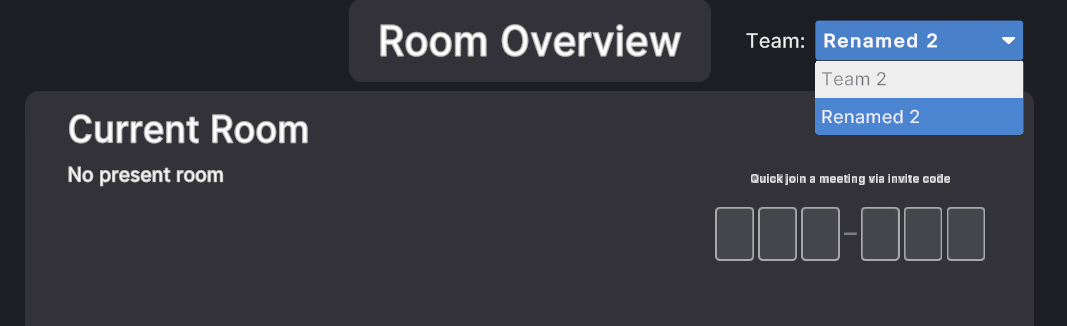
Here you will have the choice between the different teams.
In order to switch teams in the middle of a session, simply open the Main Menu, click on the "Room Overview" button and repeat step 1.